Cachet Connect for iPhone and iPad
Know every room.
See the right face across the floor, know what they are looking for, and have your opening line ready before the handshake.

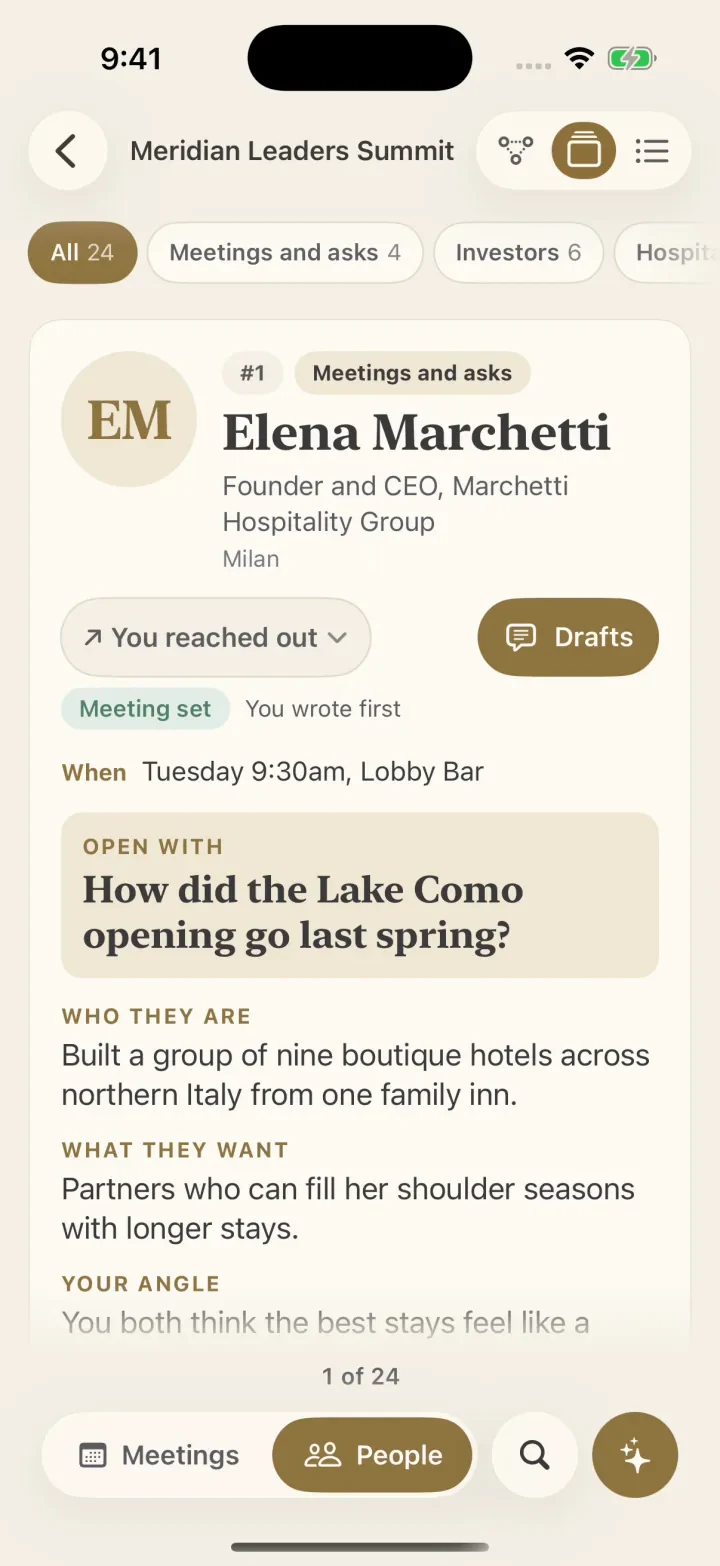
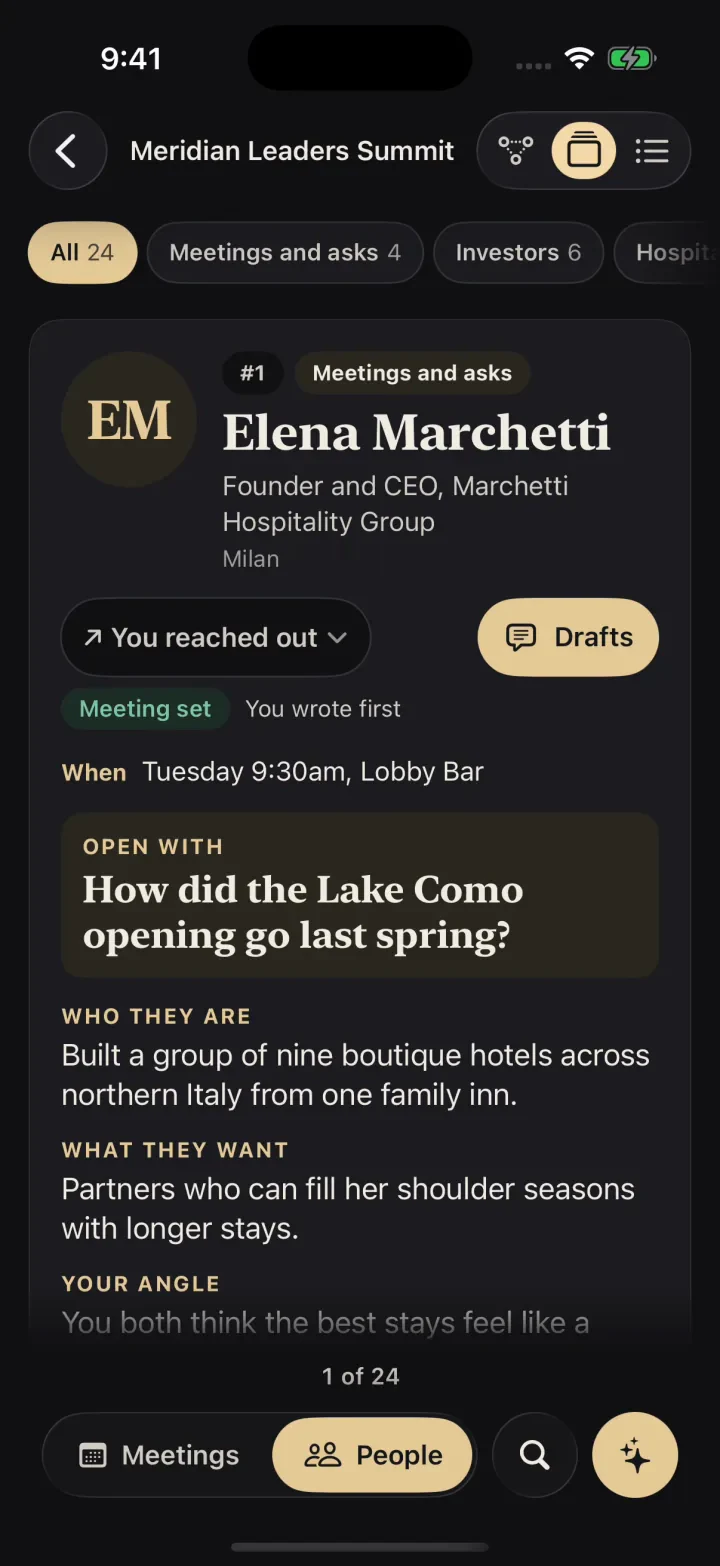
The card
Five blocks before you say hello.
Sample people from the demo event inside the app.

Ingrid Solberg
How is the outdoor portfolio holding up?
Discreet mode
Made for crowded hallways.
Discreet mode is on from the start, so you can read a card with someone standing beside you. Private labels such as Avoid and Keep it short stay off the card, and Careful folds away until you press and hold.
Lock Screen and widgets
See when to leave on the Lock Screen.
Glance at your Lock Screen for a countdown to your next meeting, the room, and when to head over. Put Next Up, Today, People here, and Ask Caleyna on your Home Screen.
Your people
Four views of your people.
Move between your day's meetings and conversations. Everyone on the list is a tap away.
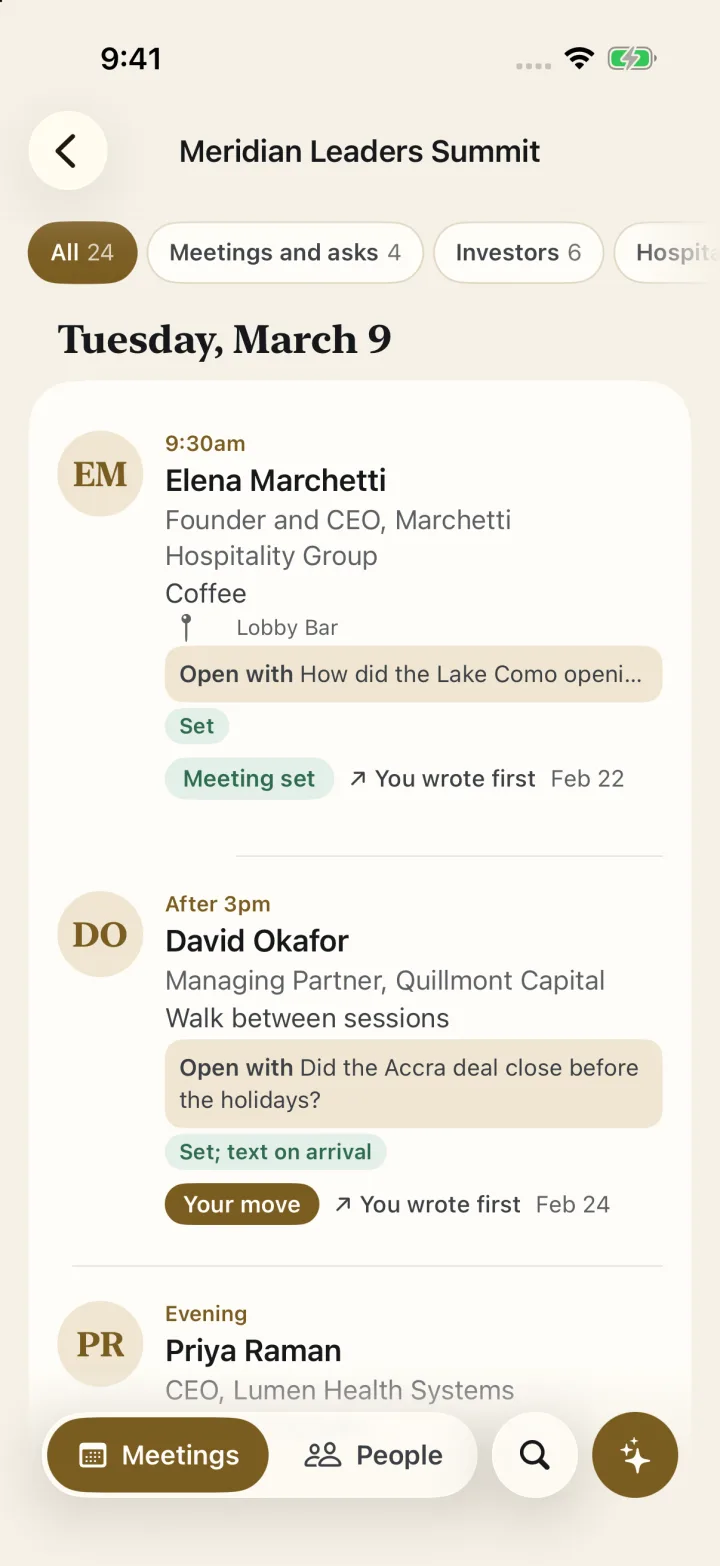
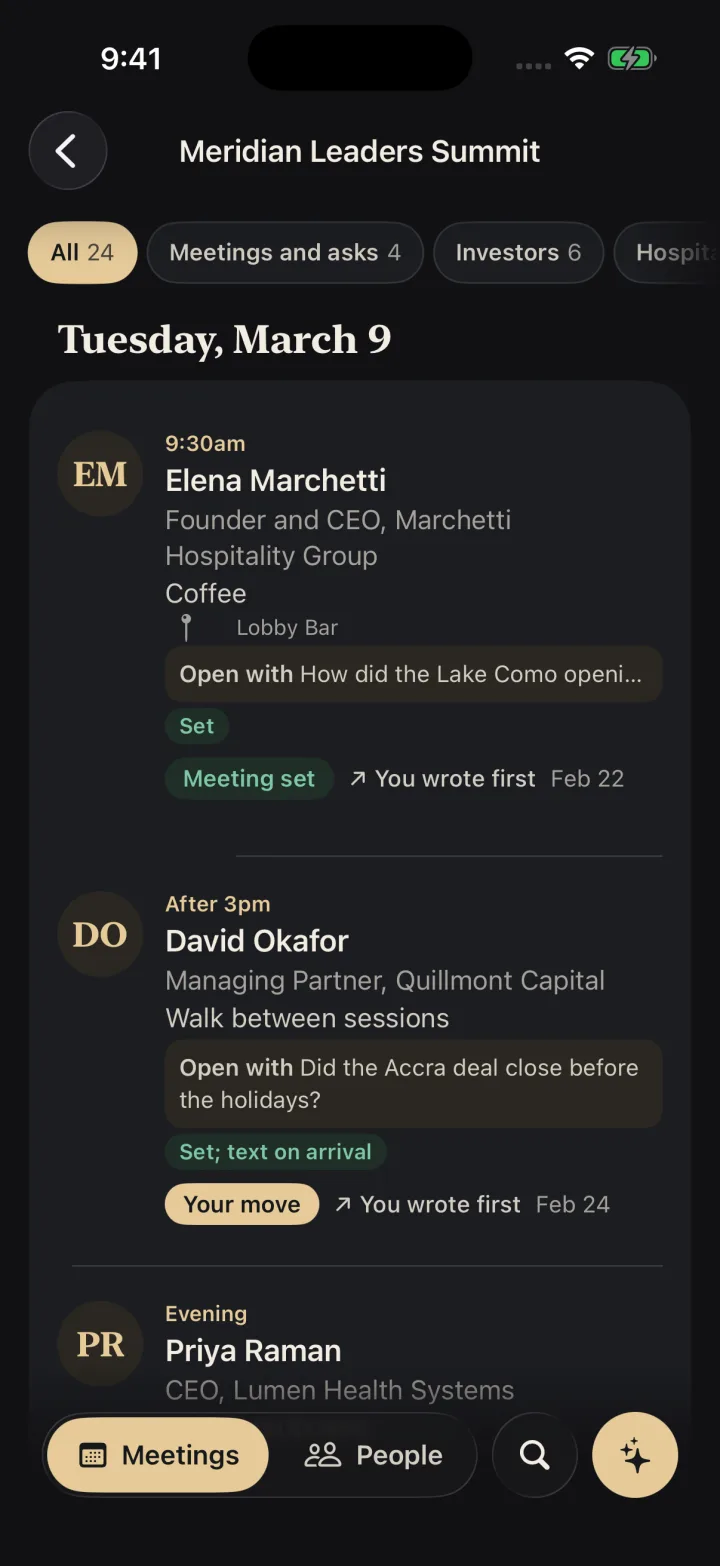
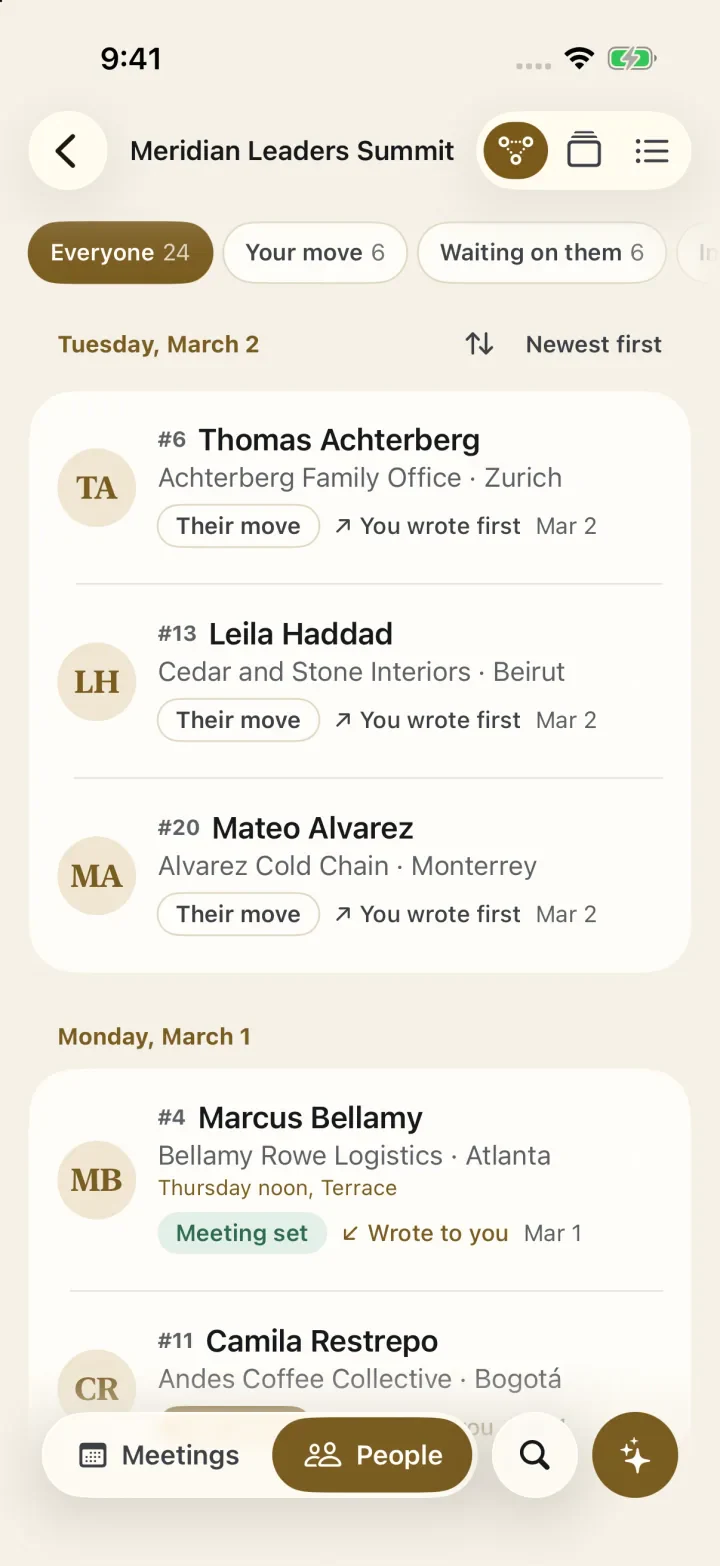
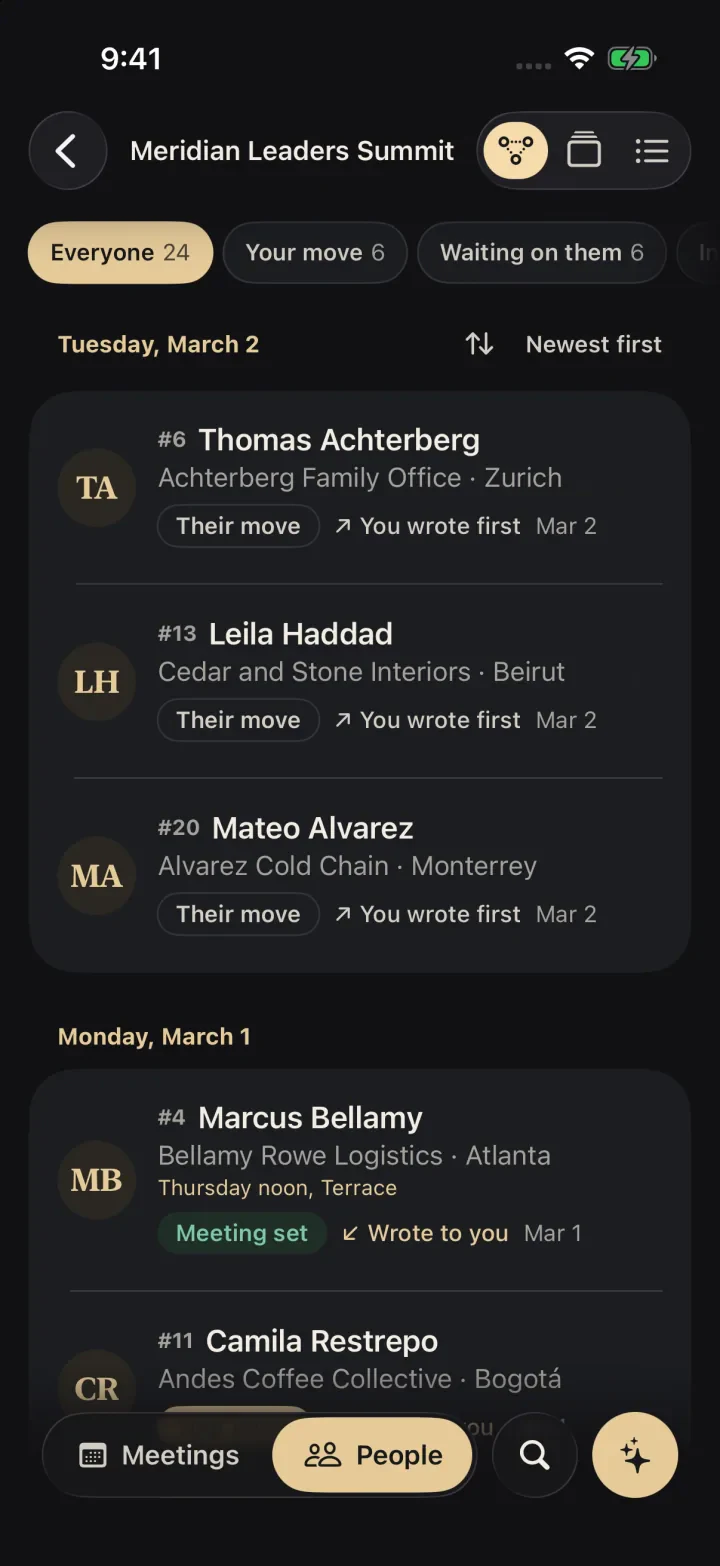
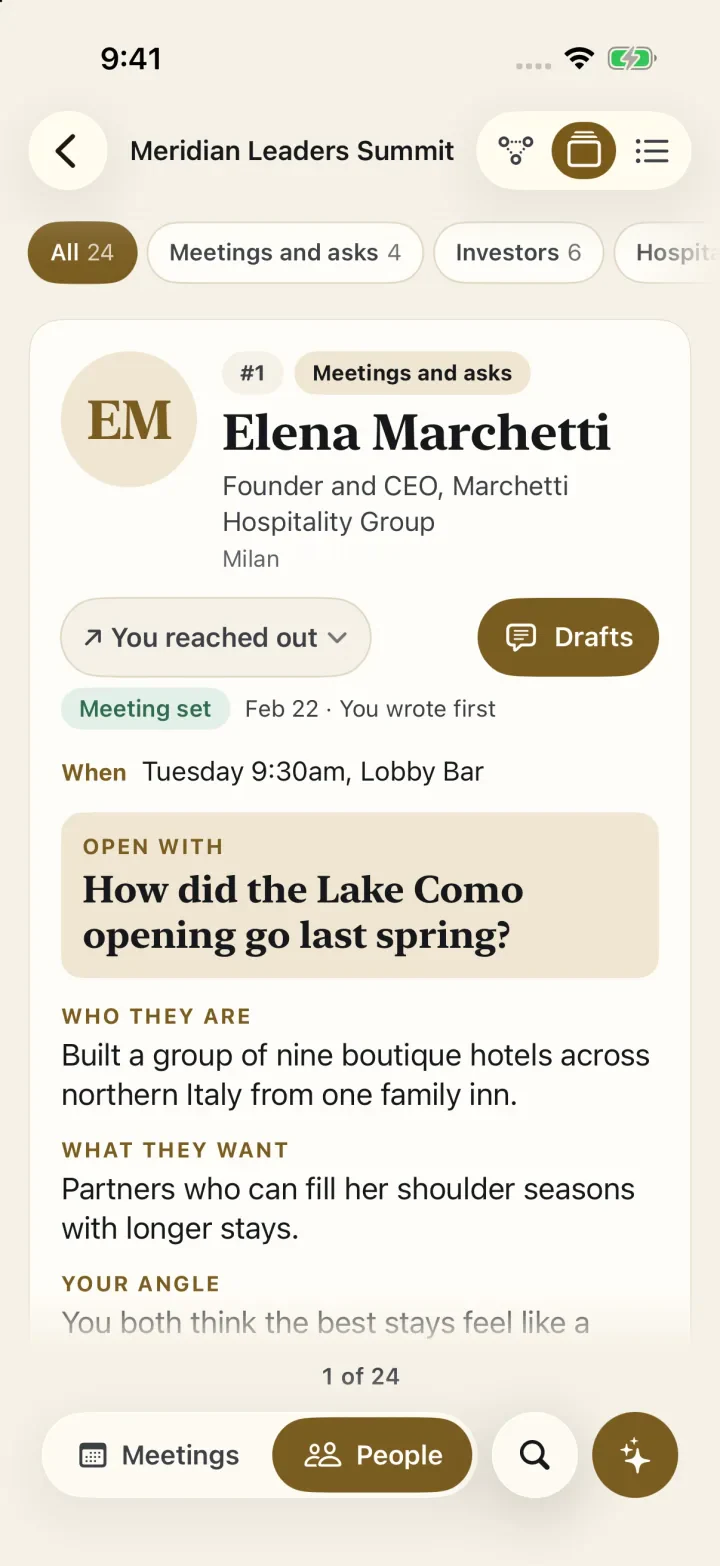
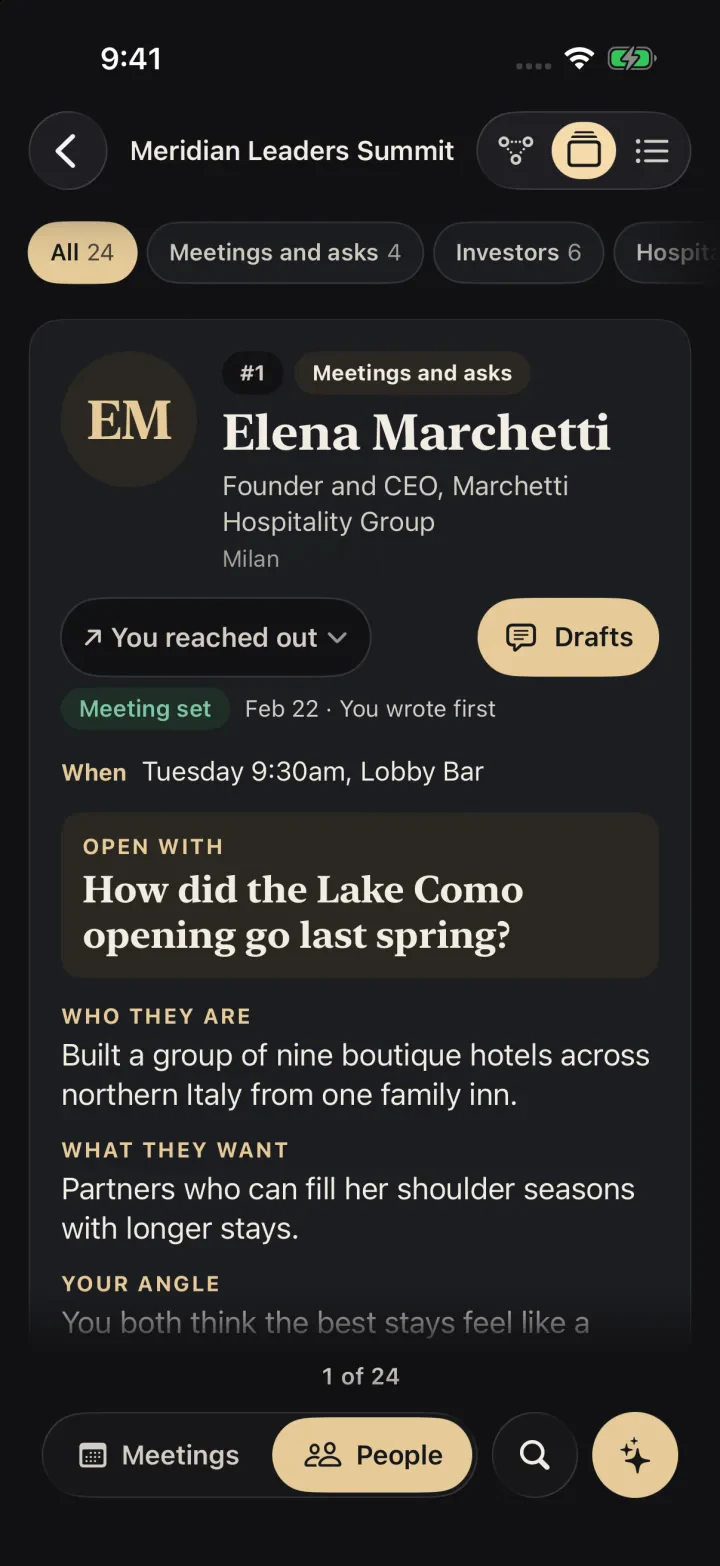
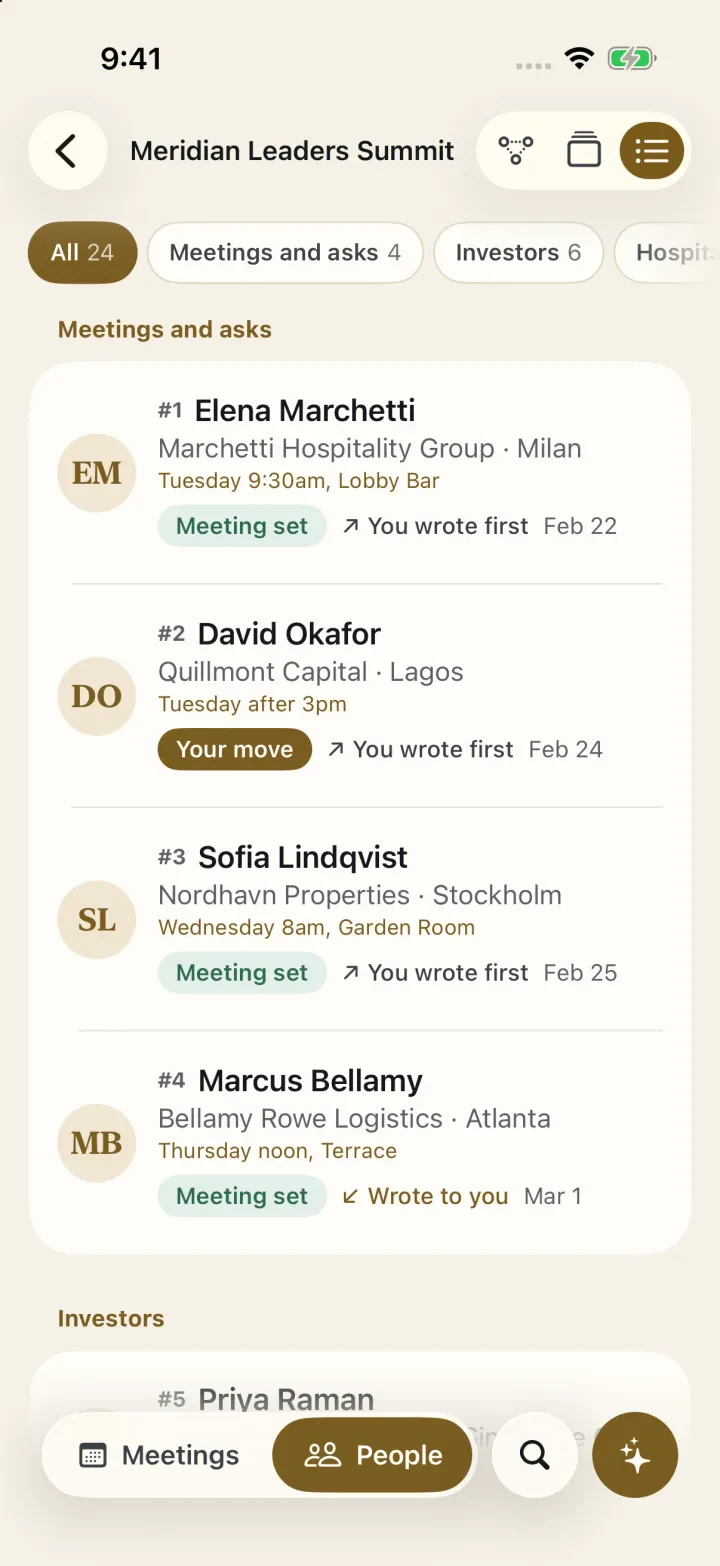
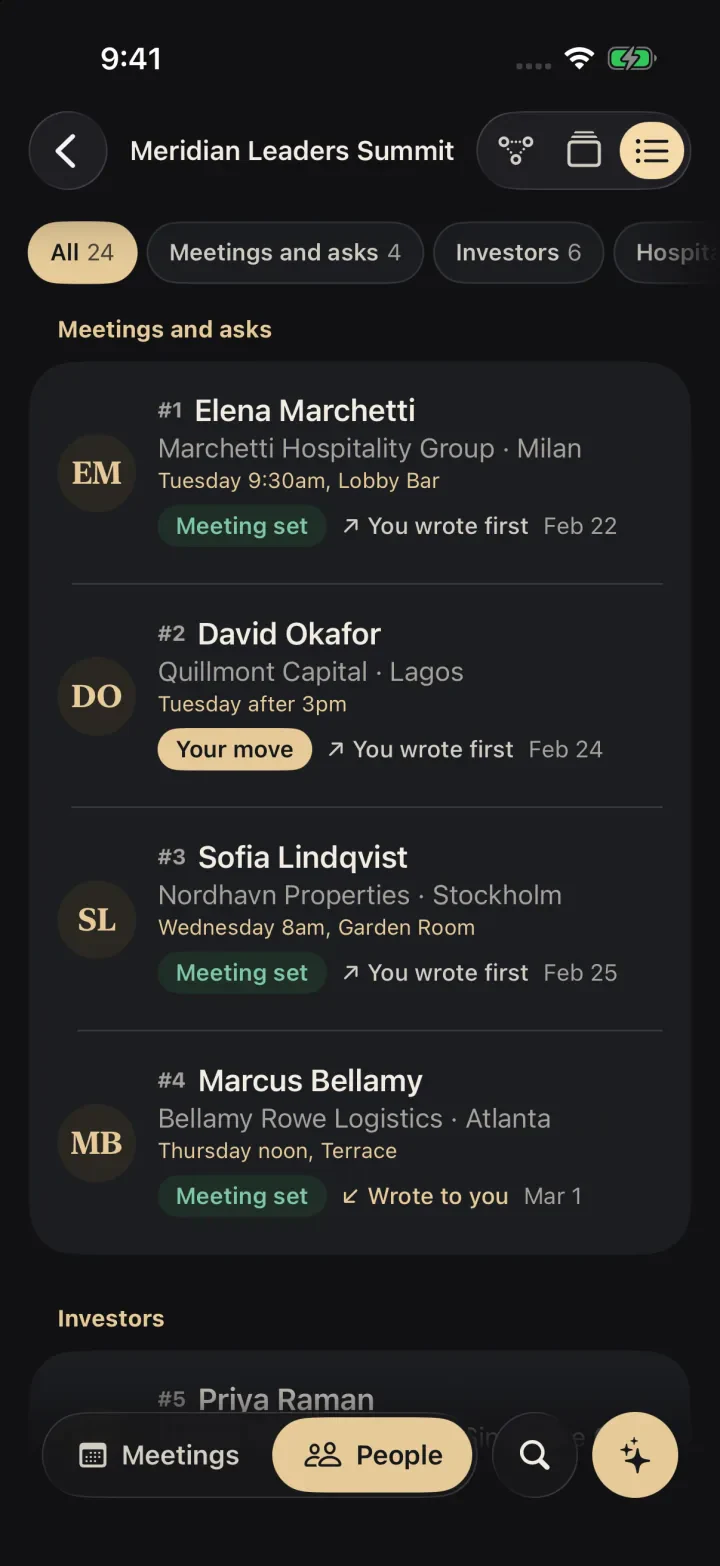
Your days in the event's time zone, each meeting with its place, its status, and the line to open with.
Ask Caleyna and Drafts
Ask in the hallway, send the follow-up from your seat.
Approve every reply before it goes, in the same app you asked in.
I'm Caleyna. Ask about your day, your people or anything else. I can check what's happening right now, write a message, set a reminder, or note who you just met.
Written by Cachet's assistant from this card and your notes. Edit it freely; your copy is kept.
Ask Caleyna about your day or your people. She checks what is happening now, writes a message, sets a reminder, or marks someone met.
Use Drafts for an opening line, a follow-up from your own notes, or the Day brief. Write it again, copy it, or share it.
Replies due lines up every reply for you to approve, edit, or hold.
Everything inside
Use it for the full three days.
Find anyone in the building.
Search by name, company, interest, or your own notes.
Hand over your card in a tap.
Pull up your Cachet card in one tap from the toolbar.
Turn a handshake into a contact.
Add to Cachet Contacts from Drafts.
Start the morning briefed.
Tap Day brief on the Agenda.
Take every note home.
Export your marks whenever you like.
The Cachet family
Four apps. One introduction.
Your card is where it starts. Contacts keeps the people you meet, Calendar turns a hello into a meeting, and Connect gives your group a home. One account across every app.

Offline and synced
Read cards in basement ballrooms and flying home.
- 24
people in the sample event inside the app, ready before your own event loads.
- 4
Home Screen and Lock Screen widgets keep your next room and key faces in view.
- 0
bars of signal needed once an event is on your phone, photos included.
When you reconnect, Met, Follow up, and notes merge field by field across your iPhone and iPad, keeping every mark you made.
Compare
Your conference app, at every event.
Event hosts buy organizer apps for a single conference. You bring Cachet Connect to every summit, forum, and investor day, and your notes from past events carry forward.
| Cachet Connect | Dex | Covve | Mesh | Whova | Brella | Swapcard | |
|---|---|---|---|---|---|---|---|
| Who buys it | You, the attendee | You | You | You | The event organizer | The event organizer | The event organizer |
| Each event's agenda and people, in an app you own | Yes, every event you attend | A general relationship manager | A general contact manager | A general relationship manager | Inside that organizer's event | Inside events joined with an organizer's code | Inside that organizer's events |
| Prep fields for each person | Who they are, their ask, your angle, an opening line, Careful | Notes and custom fields | Notes and groups | Reminders | Agenda notes | Messaging and badge scans | Connections and chat |
| Readable with no signal | Yes, photos included | Not stated | Not stated | Not stated | Yes | Not stated | Digital badges without Wi-Fi |
Every rival fact was read on that company's own pages on November 1, 2026: Dex plans and features, Covve plans and features, Mesh plans and features, Whova pricing and event app, Brella pricing and attendee help, Swapcard pricing and event app. "Not stated" means the pages cited here do not mention it.
Questions
Answers on events, sync, and pricing.
Who are the conference tools for?
People who travel to conferences, summits, member events, and investor days and want to arrive knowing who is there: founders, executives, investors, salespeople, speakers, and the chiefs of staff who prepare them. It is built for the attendee, so you use it at every event you go to, whoever organizes it.
How is it different from the event's own app?
An organizer buys its app to show the directory of its events. In Cachet Connect, you keep every event you attend together, with your own research, ranking, and opening lines for each person. Your notes and follow-ups stay with you after the event ends.
Where do my events and people come from?
Upload the attendee list and agenda from your Epiphani account to build each event there. Include people's photos from the list or your research, plus research on each person written by you or your team. Sign in on your iPhone or iPad to find every event ready.
Does it work without a signal?
Yes. Cards, meetings, and search work in a basement ballroom or in airplane mode, with photos available for every event. Marks you make offline sync when you reconnect.
What is discreet mode?
People stand beside you while a card is open. Discreet mode is on by default. It hides private group labels on the card and keeps the Careful section folded. Press and hold to read the note while someone is beside you.
Do my notes sync between my iPhone and iPad?
Yes. Met, follow-up, and notes are saved to your account and merged field by field, so a note added on one device and a follow-up flag set on another both survive, and the later change to the same field wins.
How much does it cost?
Joining the list is free. We share plans and pricing when it is your group’s turn, and we set everything up with you in one afternoon.
Can I try it before an event?
Yes. The app ships with a sample event, TEST Sample Summit, with 24 people and six meetings, so you can swipe cards, search, filter, and mark people before your own event loads.

Cachet Connect for iPhone and iPad
Arrive ready for the people you'll meet.
Join the list and we will send your invitation to the app.